Save with NotiKeep
Photos, codes, messages — kept as long as you want.
NotiKeep is now NagiKeep
The notification keeper you know — now with a gentle focus app-blocker built in. Same app, same data: everything you've saved stays exactly where it is.
Meet NagiKeep →Prefer the NotiKeep inbox as your home?
New installs open to NagiKeep's focus screen by default. To make the NotiKeep notification inbox your home screen instead, it takes two taps.
1Open the app and tap the ⚙ gear
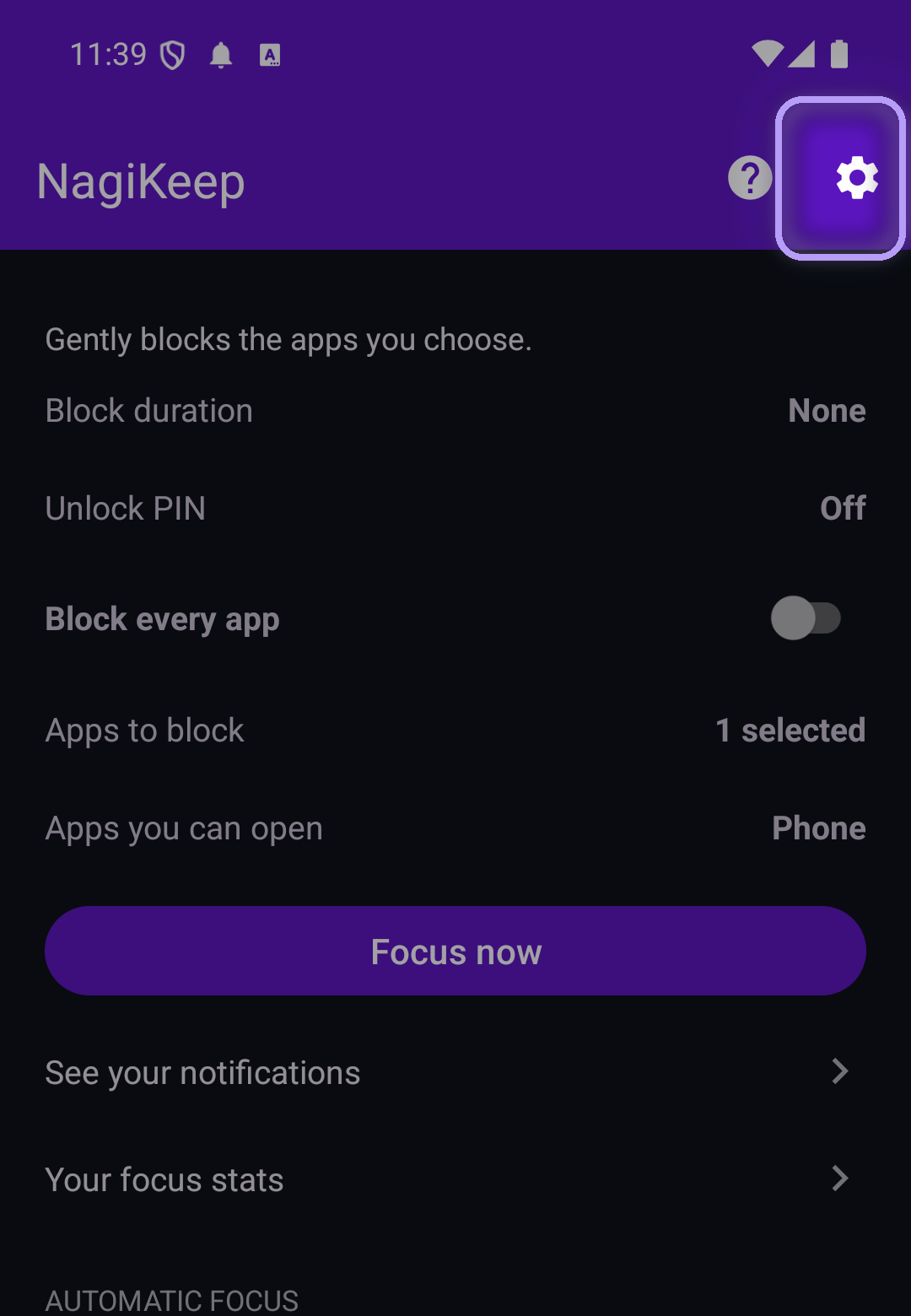
Launch the app — you'll land on the NagiKeep focus screen. Tap the gear in the top-right to open Settings.
2Choose "Start on the inbox"
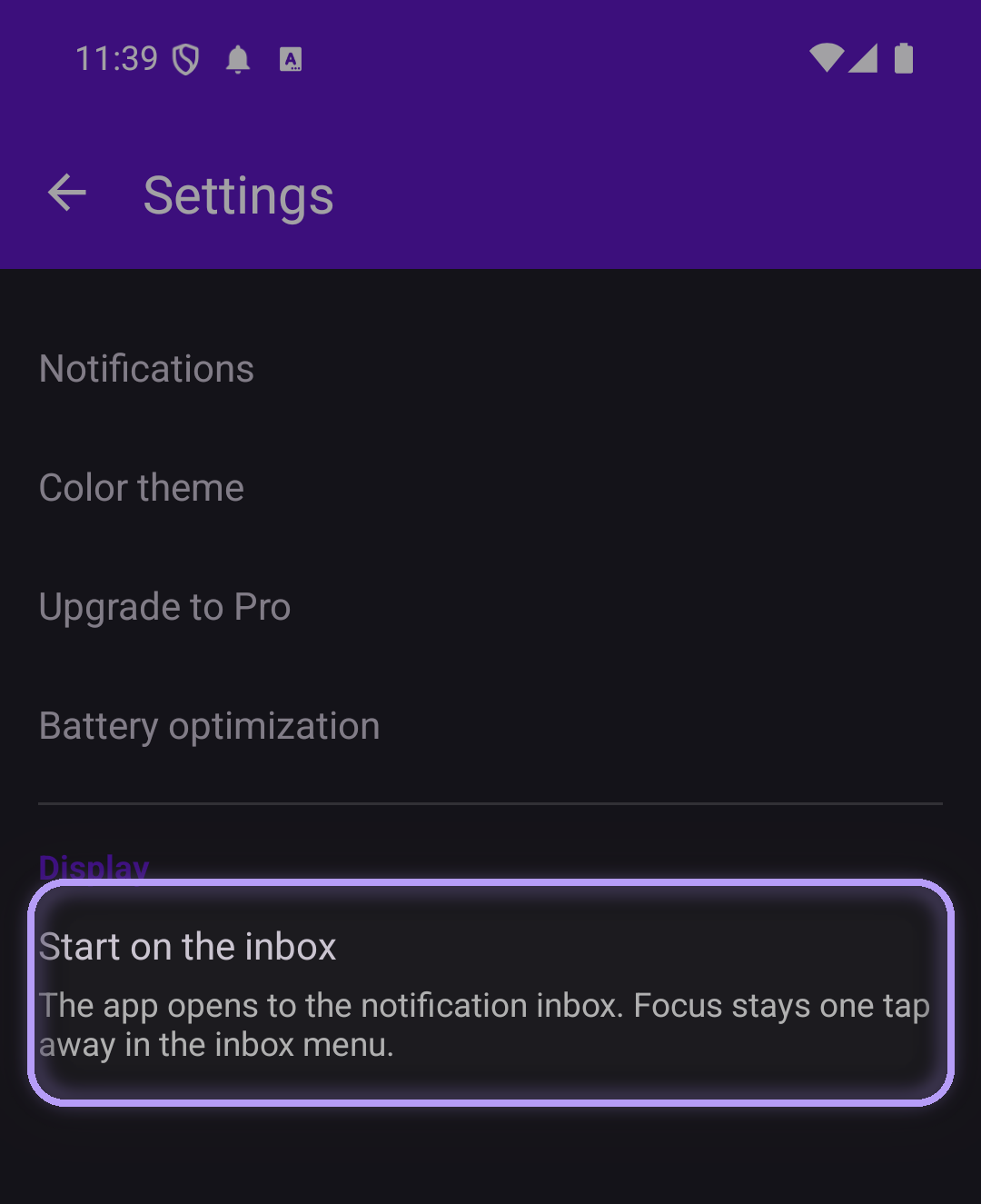
Under the Display section, tap Start on the inbox.
✓That's it — the app now opens straight to your NotiKeep inbox, every time. Focus stays one tap away from the inbox menu whenever you want it.
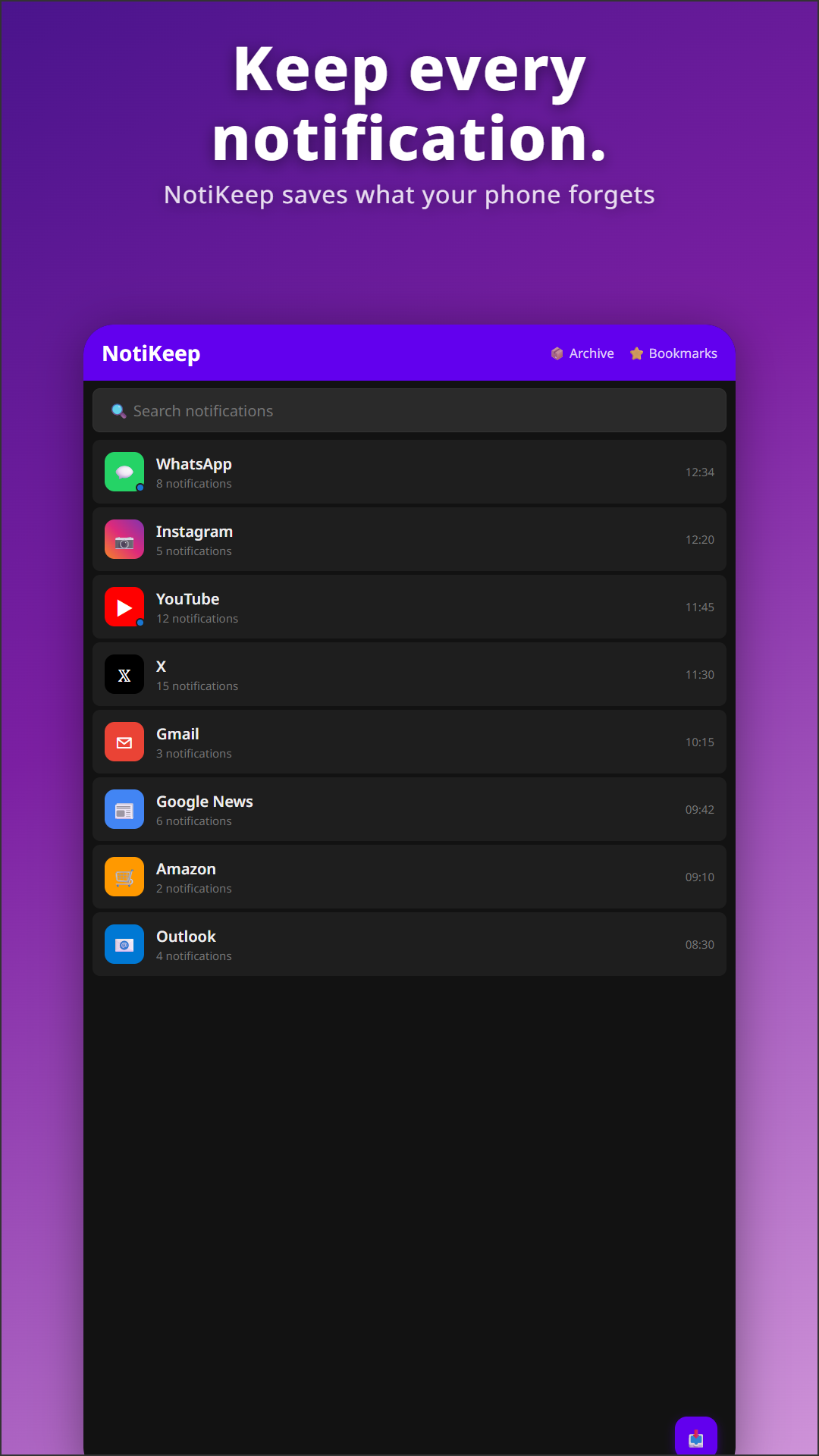
See it in action
Sound familiar?
- That WhatsApp photo a friend just sent — gone the moment you swiped
- "Uploading…" "App is running in the background" — your tray full of pings you didn't want to see
- That DM you skimmed half-asleep — now nowhere to be found
NotiKeep keeps them for you.
How it works
1Install & grant Notification Access
First, allow notification access. The app needs it to read incoming notifications.
2Use your phone normally
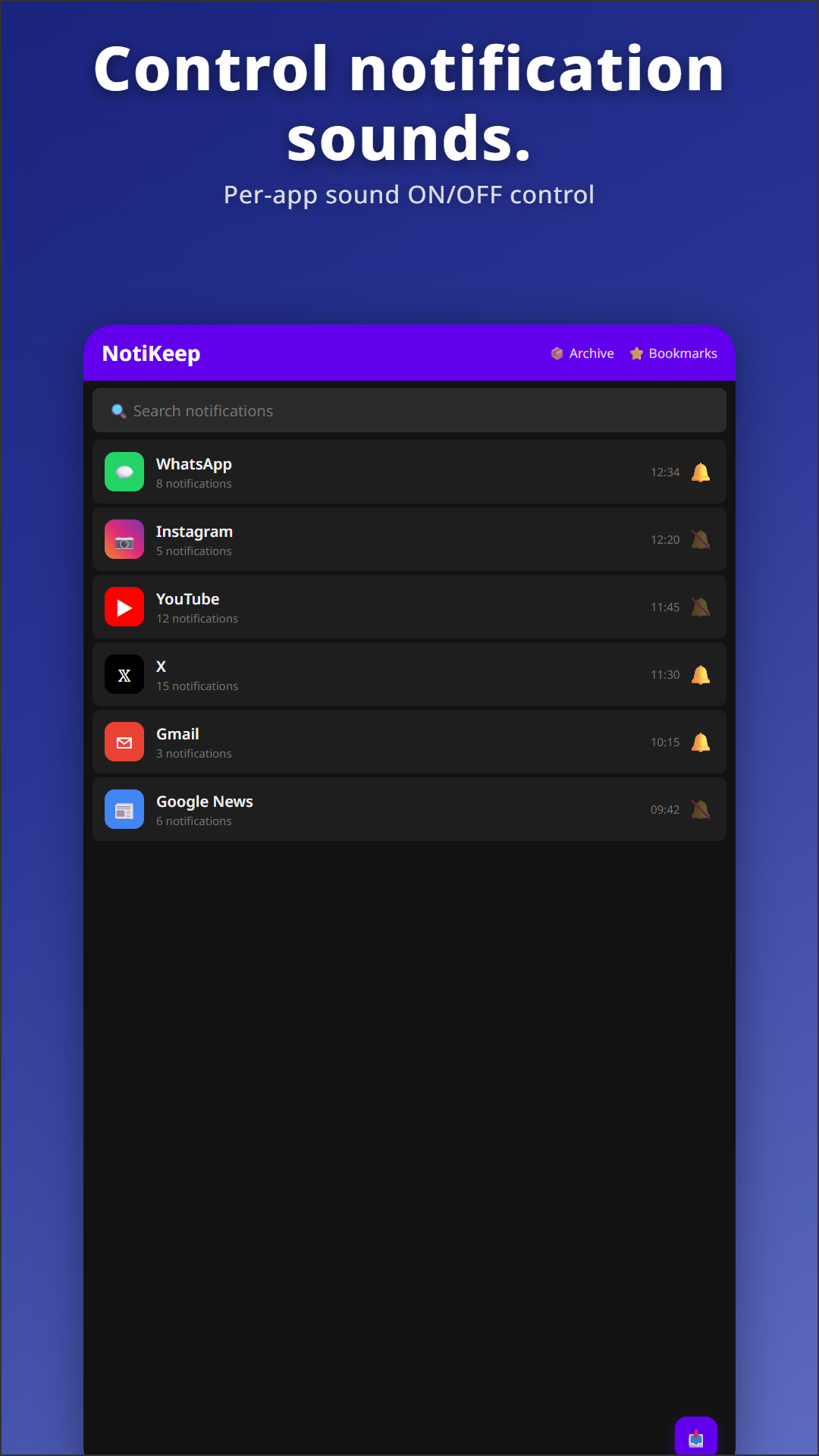
NotiKeep runs in the background. Disabling battery optimization for it is recommended.
3Search by keyword
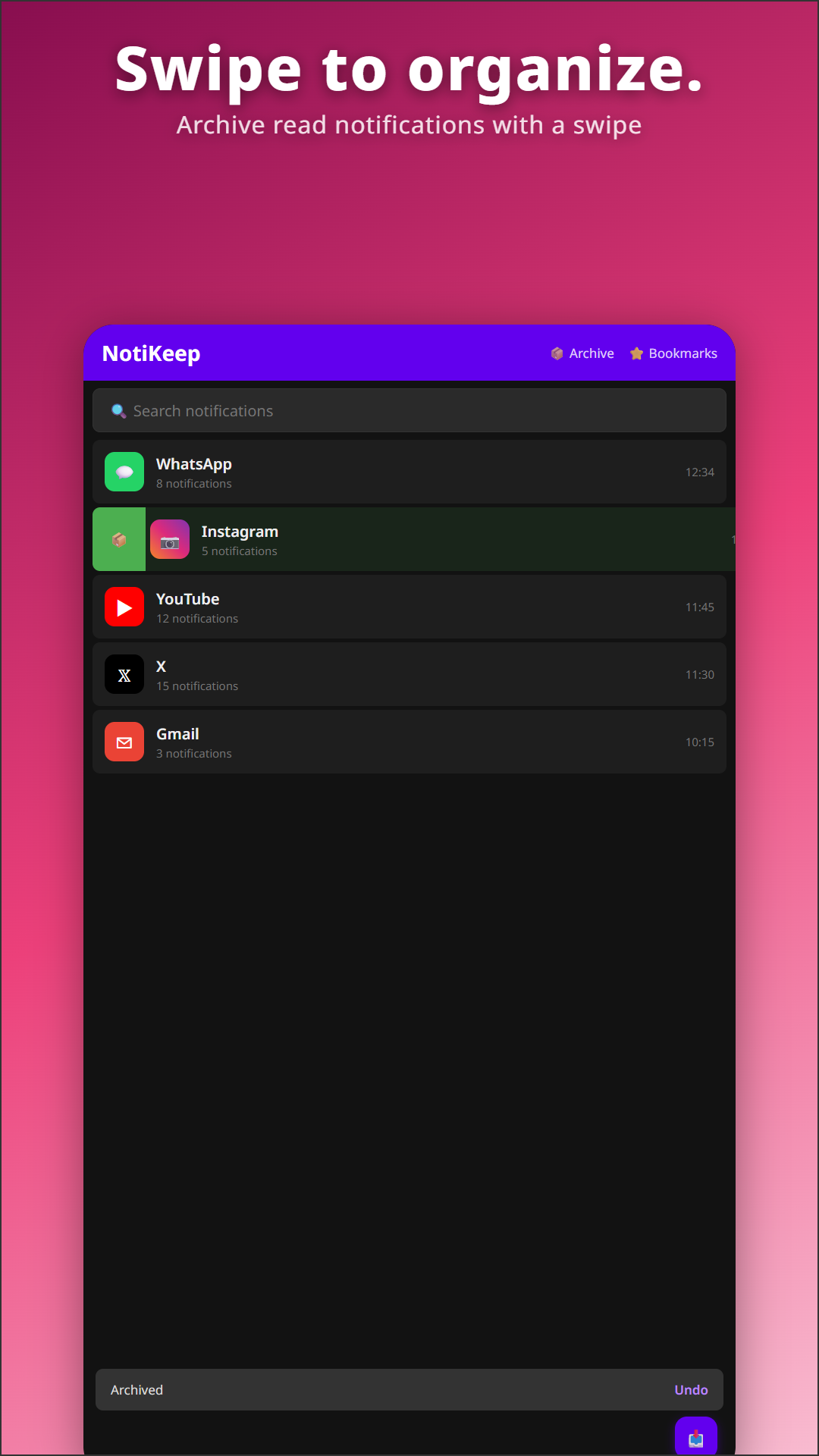
Full-text search to find any notification. Bookmark the important ones for quick access later.
Two features that set NotiKeep apart
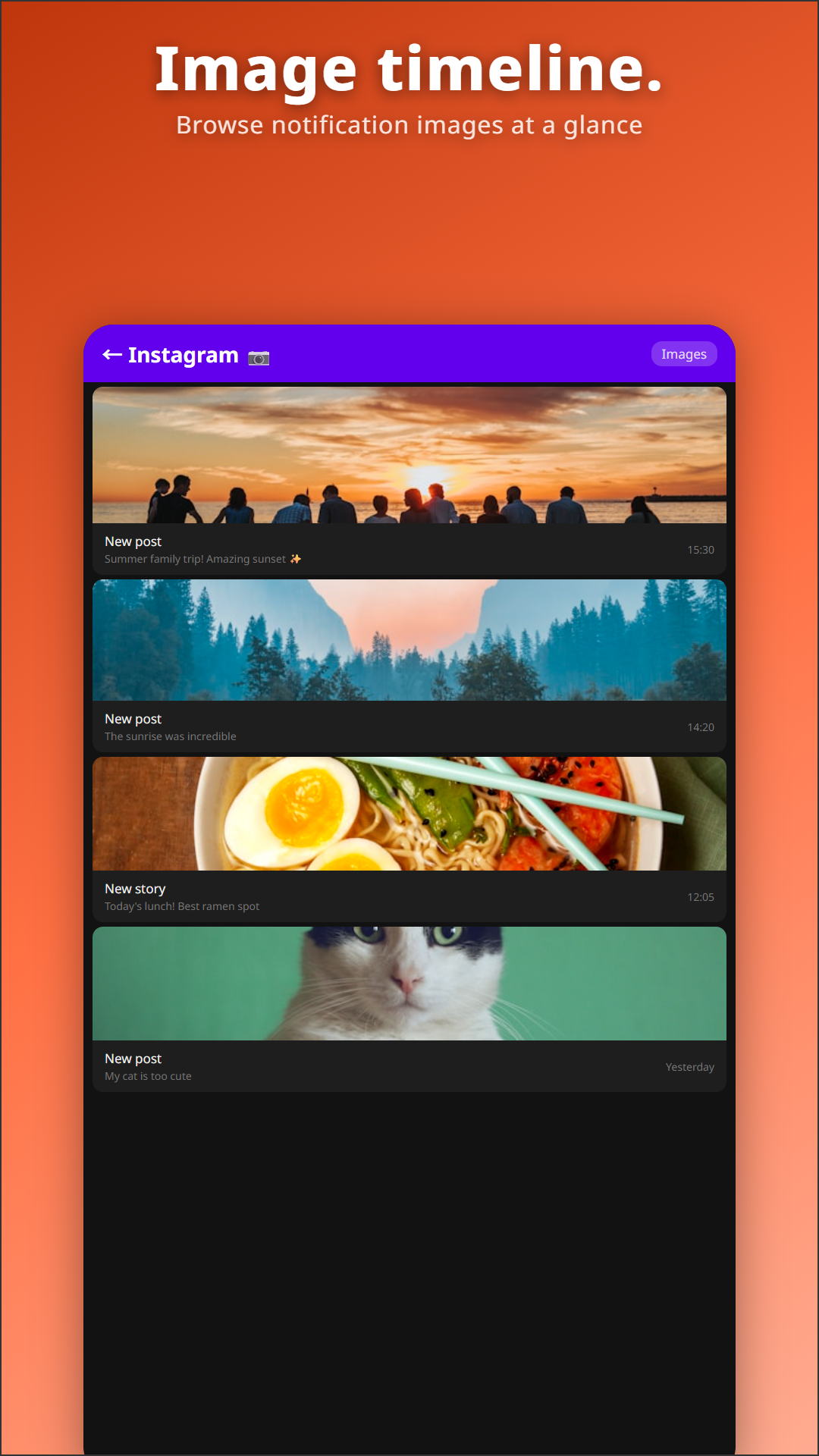
📷 Image Timeline
Browse photos that arrived in notifications — YouTube thumbnails from channels you follow, Google Photos "on this day" memories, photos sent on WhatsApp, news thumbnails, Instagram posts. If a notification carries a photo, it's saved.
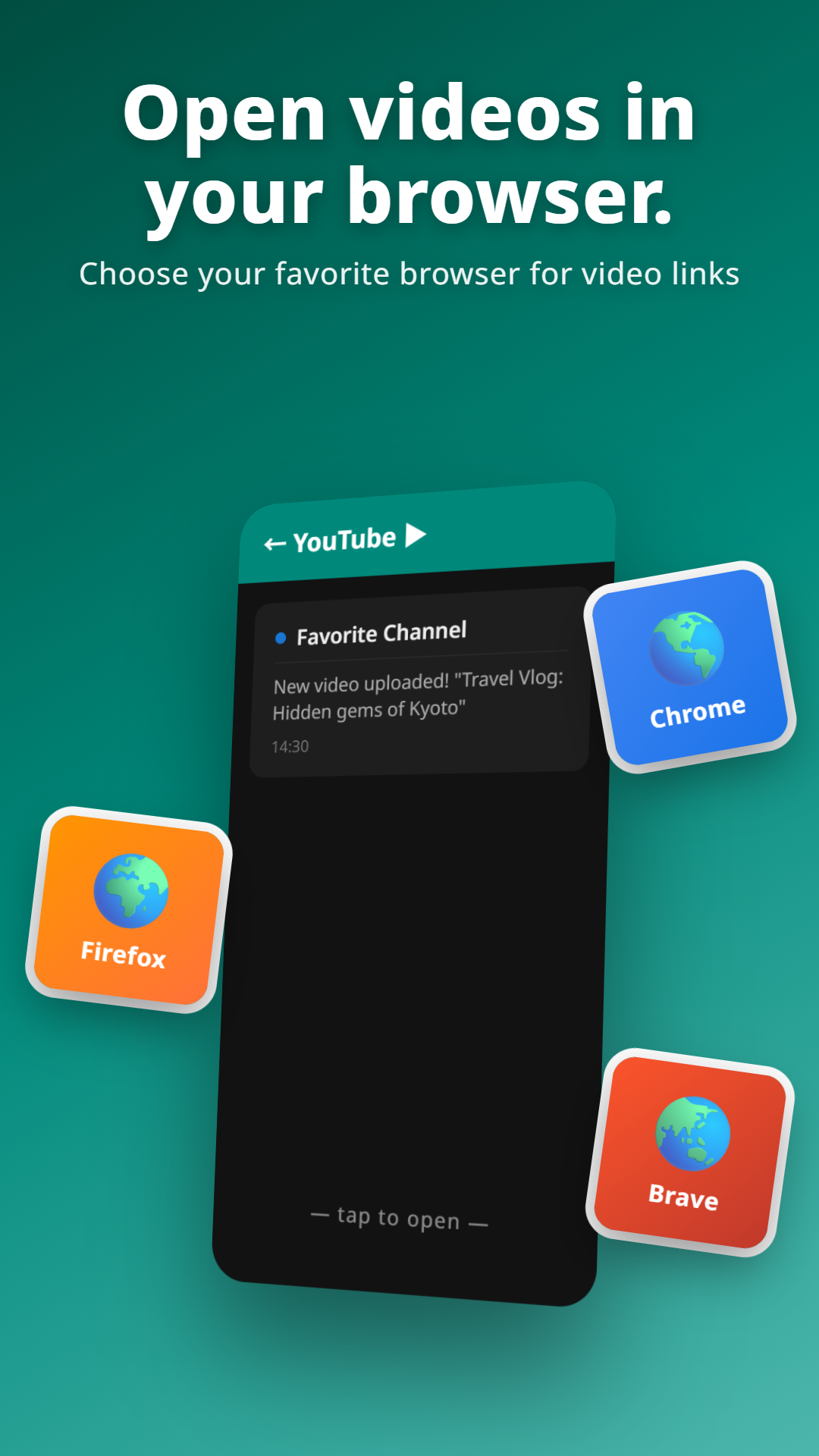
🌐 YouTube notifications, your browser
Tap a saved YouTube notification to play it in Chrome, Firefox, Brave, or any other browser of your choice (Pro only).
What you get
Messaging apps appear as chat threads — grouped by sender, with photos shown inline.
Browse every photo that came through a notification, grouped by date.
Open YouTube notifications in the browser of your choice.
Progress bars, foreground services, system pings — automatically dropped.
Star important ones. No expiry, even on Free.
Archive plus images in one ZIP. Survives device migration.
Customize the app's color palette.
Save notifications silently.
Find any notification by content. Free: 30 days, Pro: forever.
English, 日本語, 한국어, 中文, Español, Français, Deutsch and more.
Pricing
Choose monthly, yearly, or a one-time purchase — see Google Play for current pricing.
Free vs Pro
| Feature | Free | Pro |
|---|---|---|
| Notification archive | ✓ | ✓ |
| Image preservation (in detail view) | ✓ | ✓ |
| Smart noise filter | ✓ | ✓ |
| Retention | 30 days (fixed) | Configurable · 30 days → unlimited |
| Search | Last 30 days | Entire archive |
| Bookmarks · Mute · App block | 5 each | Unlimited |
| 📷 Image Timeline (browsable image grid) | — | ✓ |
| 🌐 Open YouTube in any browser | — | ✓ |
| 📦 Backup with images | — | ✓ |
| 🎨 Custom themes | — | 3 slots |
Is NotiKeep for you?
✅ Great fit if you…
- Have ever swiped away a notification you needed and instantly regretted it
- Want to keep the photos friends send via messaging apps
- Need offline records of WhatsApp, Messenger, SMS, or Gmail notifications
- Are tired of the YouTube app pulling you into Shorts every time you tap a notification
- Care about keeping your data on-device, not on someone's cloud
⏭ Skip if you…
- Are happy with Android's built-in 24-hour notification history
FAQ
Is this the same app as NagiKeep?
Yes. NotiKeep was relaunched as NagiKeep — the same notification keeper, now with a gentle focus app-blocker added. Same package (jp.sakuradev.notikeep), same data: everything you've saved stays exactly where it is, and the notification keeper isn't going anywhere.
The app opens to a focus screen — how do I make my notification inbox the home screen?
New installs open to NagiKeep's focus screen by default. To open straight to the NotiKeep inbox instead: tap the ⚙ gear (top-right) → under the Display section, tap Start on the inbox. Done — every launch now opens your inbox, and Focus stays one tap away in the inbox menu.
Can NotiKeep see notifications I received before I installed it?
No. NotiKeep only saves notifications that arrive after it's installed and Notification Access is granted.
Which Android versions are supported?
Android 9.0 and newer.
How much storage does NotiKeep use?
Text notifications are tiny — a few MB covers months. Storage is mostly images: each saved photo is around 20–80 KB. A heavy user with 1,000 image-bearing notifications a month uses ~30–80 MB. If you're concerned, shorten the retention period.
What happens to my data if I uninstall?
All NotiKeep data — notifications, images, preferences, bookmarks — is stored on-device, so uninstalling deletes it. To keep it across a reinstall or new phone, consider Backup & Restore (Pro feature) first.
What permissions does NotiKeep need?
Just notification access. No location, no contacts, no other access.
Can I export my data?
Pro creates a ZIP with the database, saved images, bookmarks, mute lists, and settings — all in one. Restore on a new phone in one step. The save location is up to you.
What happens at the end of the 7-day trial?
You revert to Free. No auto-renewal. If you want Pro, pick a plan from the upgrade screen.
Will it drain my battery or slow my phone?
NotiKeep only does work when a notification arrives. It doesn't sit there draining your battery.
Where is my data stored?
All data stays on-device. Backups go only to a path you choose.
More from sakuradev